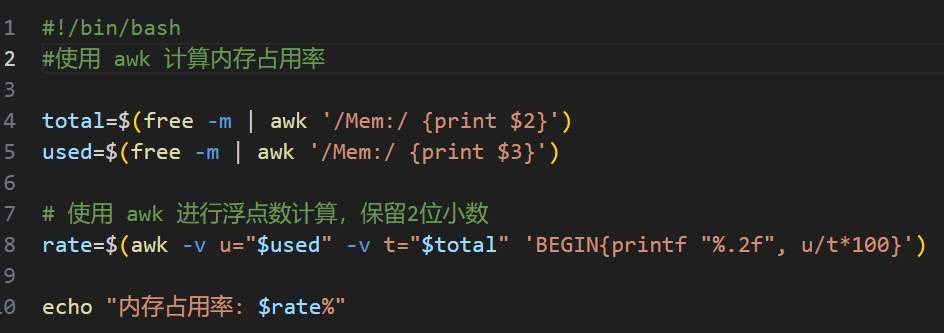
There are some more commands and arguments about Linux command for monitoring memory, for example: (1) free -m/-k (2) top (3) ps -ef | grep <pid> etc. There are more than one arguments about these commands, and this topic should be completed with more details about these commands and usages.
There is another way to obtain the memory usage, which is that App read the process statistics file which located at /proc/<pid>/status, please offers more details about this