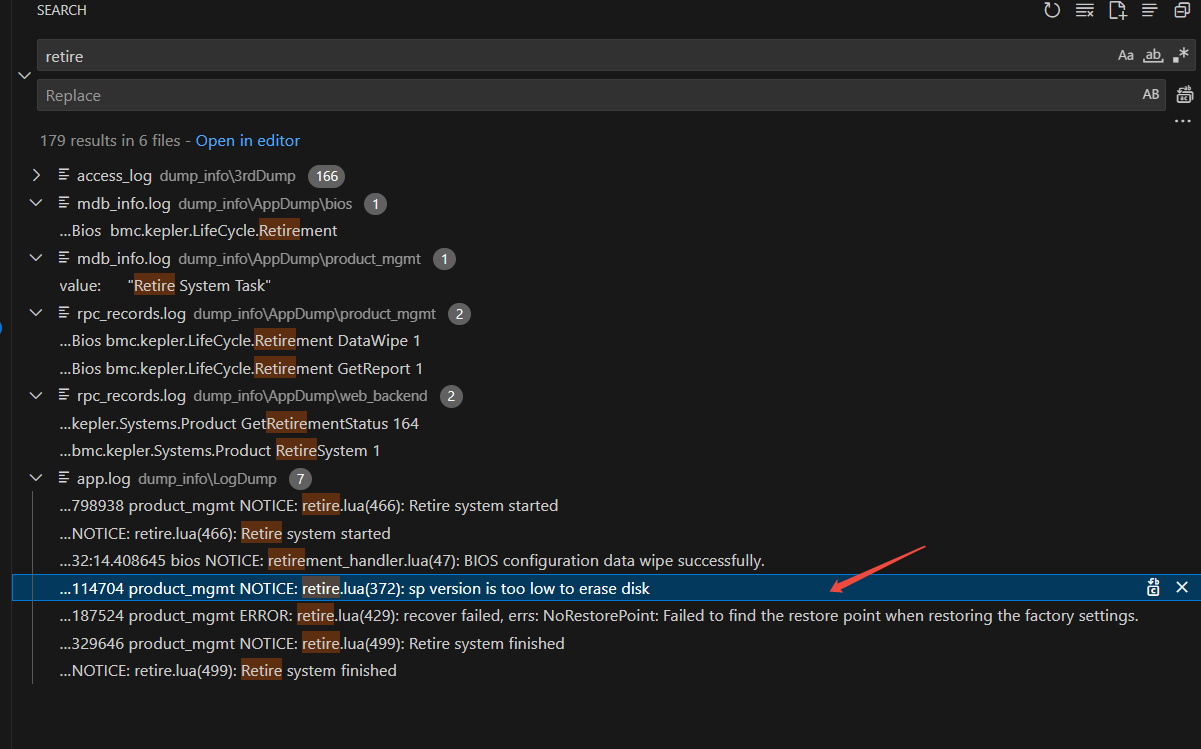
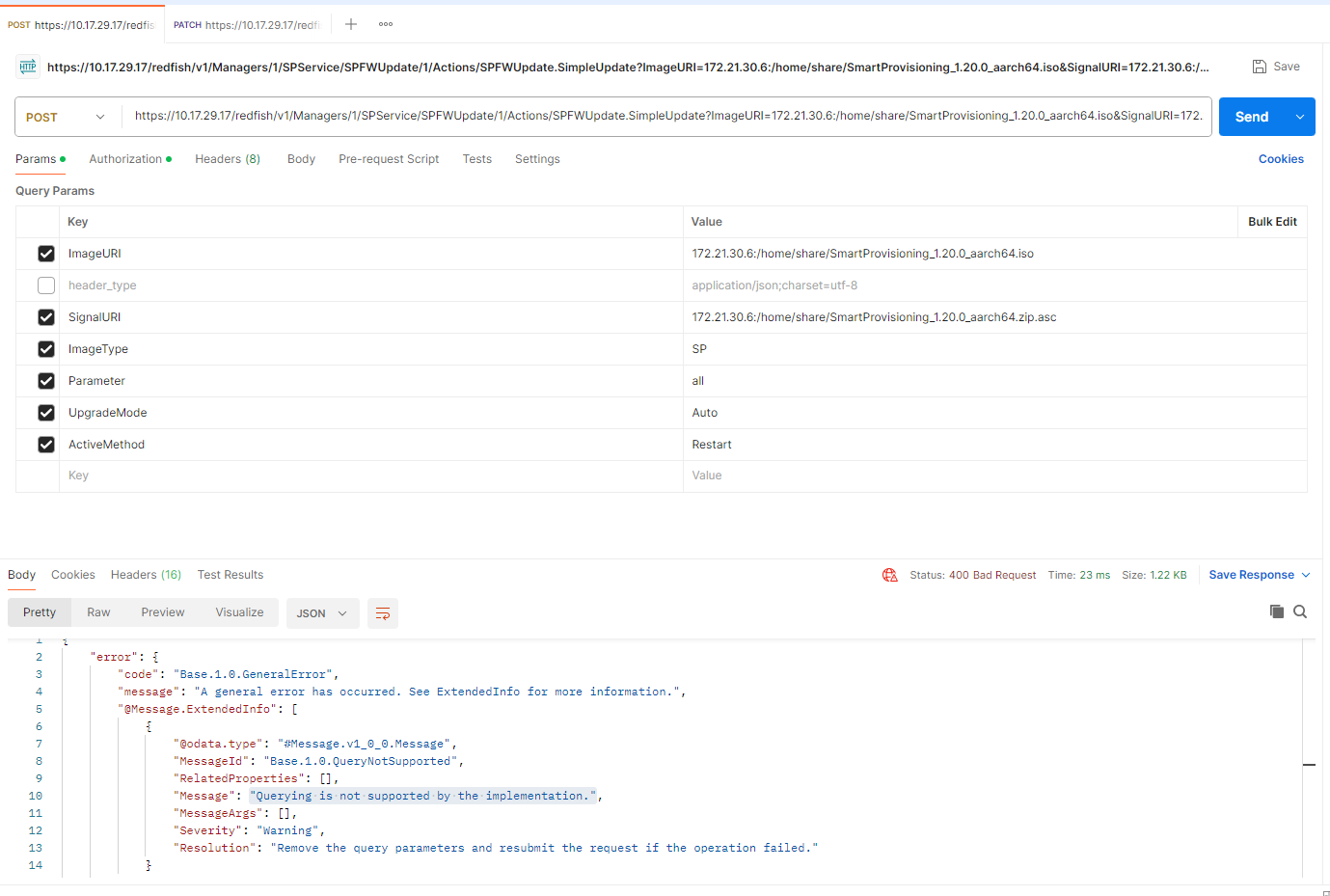
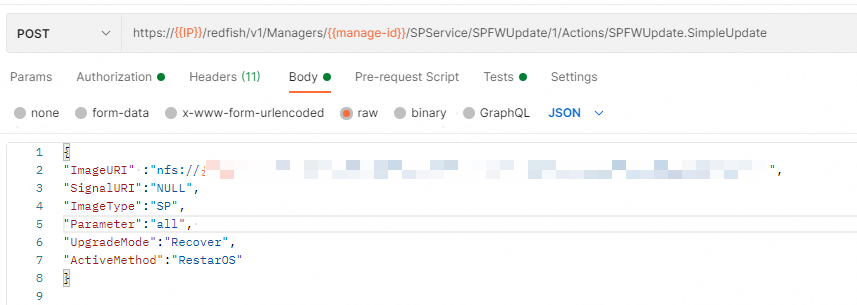
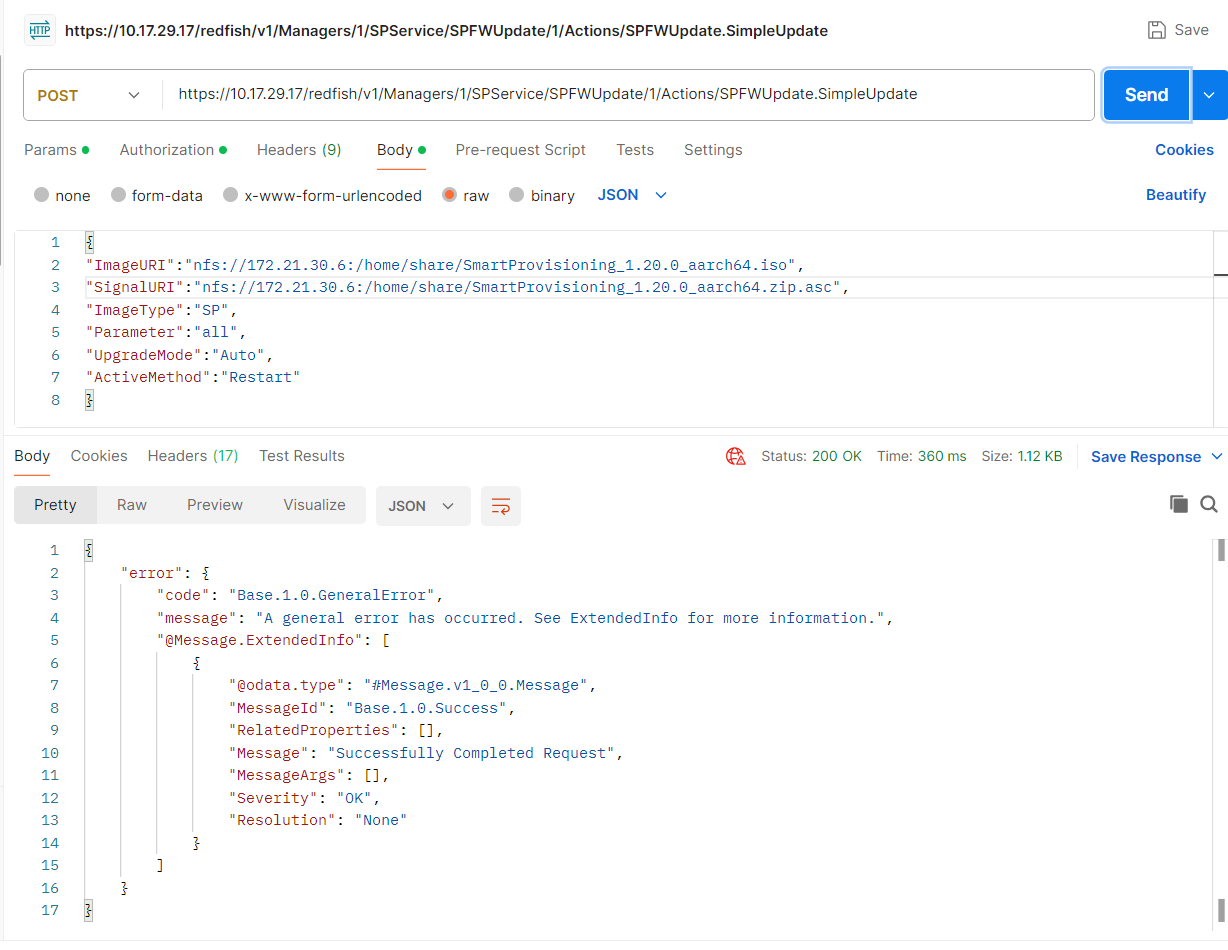
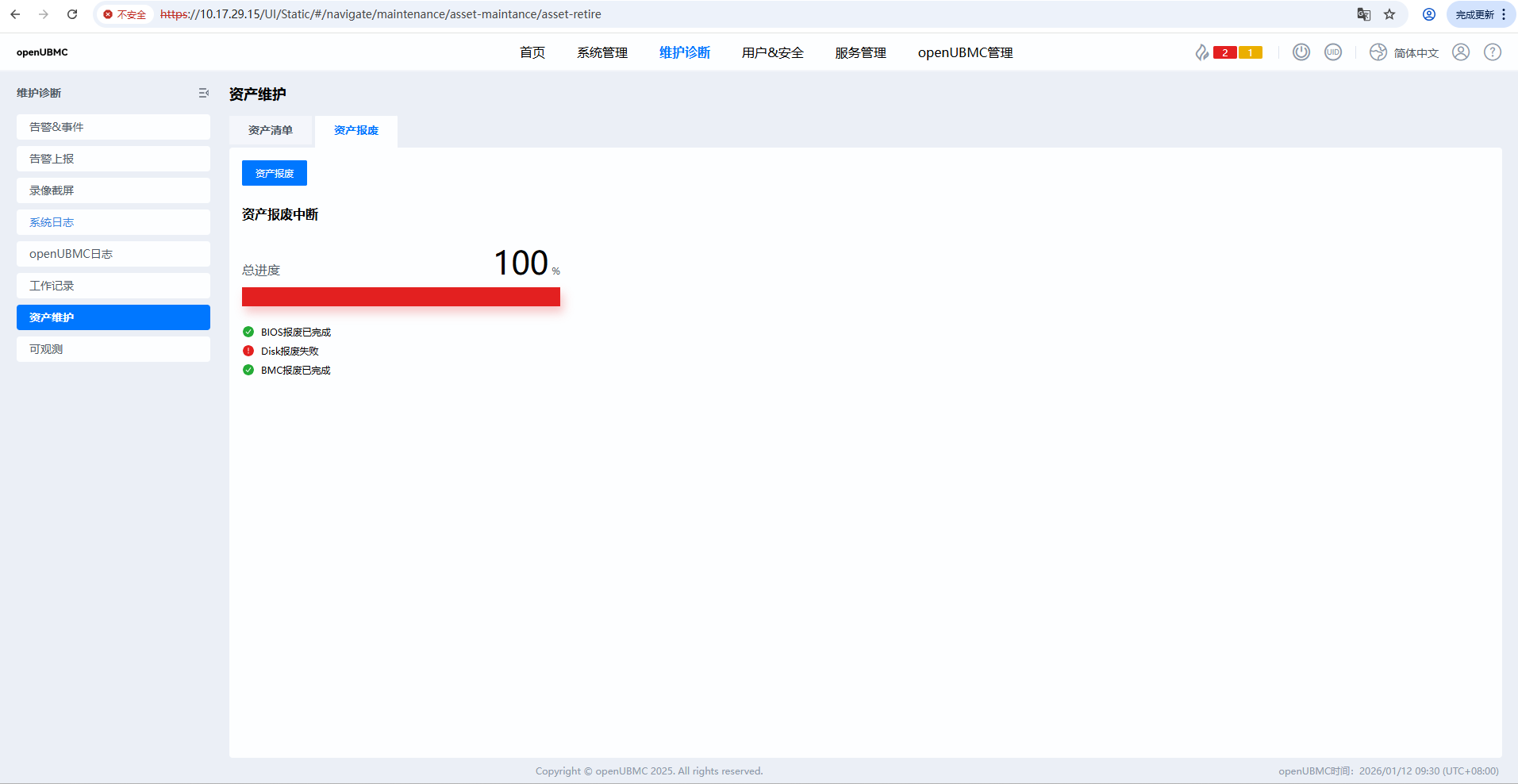
如下图,在资产报废页面中,只有Disk是报废失败,请问是什么原因?
以下是\dump_info\LogDump\app.log的相关日志片段,没有涉及到Disk报废失败的打印。
026-01-12 09:10:43.594402 metric_analyzer NOTICE: optical_obj_manager.lua(220): Initialization of optical modules finished.
2026-01-12 09:10:45.573255 bmc_core ERROR: lldp_proc.c(318): Can’t find port name from LLDP
2026-01-12 09:10:45.652321 power_mgmt NOTICE: pmbus_GW_CRPS.lua(235): Power1 work mode: 1 [repeated 146 times in 301s from 2026-01-12 09:05:44.886875 to 2026-01-12 09:10:45.652321]
2026-01-12 09:10:45.771606 oms NOTICE: task_mgmt.lua(418): Update task[Id: 1776787389, StartTime: 2026-01-12T09:10:21+08:00, Progress: 80, State: Running] successfully
2026-01-12 09:10:45.872470 oms NOTICE: task_mgmt.lua(418): Update task[Id: 1776787389, StartTime: 2026-01-12T09:10:21+08:00, Progress: 85, State: Running] successfully
2026-01-12 09:10:45.975251 oms NOTICE: task_mgmt.lua(418): Update task[Id: 1776787389, StartTime: 2026-01-12T09:10:21+08:00, Progress: 100, State: Completed] successfully
2026-01-12 09:10:46.471101 power_mgmt NOTICE: pmbus_GW_CRPS.lua(235): Power2 work mode: 1 [repeated 146 times in 302s from 2026-01-12 09:05:44.685604 to 2026-01-12 09:10:46.471101]
2026-01-12 09:10:50.569671 power_mgmt NOTICE: pmbus_GW_CRPS.lua(235): Power4 work mode: 0 [repeated 144 times in 301s from 2026-01-12 09:05:49.371233 to 2026-01-12 09:10:50.569671]
2026-01-12 09:10:56.570432 product_mgmt NOTICE: task_mgmt.lua(418): Update task[Id: 2428800929, StartTime: 2026-01-12T09:07:31+08:00, Progress: 0, State: Exception] successfully
2026-01-12 09:10:56.570739 product_mgmt NOTICE: retire.lua(499): Retire system finished
2026-01-12 09:11:03.595759 compute ERROR: cpu_object.lua(323): update cpu2 mem power failed: 195, nil. [repeated 8 times in 291s from 2026-01-12 09:05:24.805618 to 2026-01-12 09:10:15.622293][flush]
2026-01-12 09:11:03.596653 compute ERROR: cpu_object.lua(323): update cpu1 mem power failed: 195, nil. [repeated 7 times in 258s from 2026-01-12 09:05:55.328182 to 2026-01-12 09:10:13.570241][flush]
环境信息
-
操作系统:[如 Ubuntu 24.04]
-
软件版本:[如 OpenUBMC2509]
-
硬件配置:[如 CPU、内存等]
重现步骤
-
[第一步]
BMC WebUI点击“资产报废”
查看结果报废中断,其中bmc和bios都返回报废成功,但Disk报废失败。 -
[第二步]
在cli中执行ipmcset -t maintenance -d retiresystem -v 0,但依然
报废中断,其中bmc和bios都返回报废成功,但Disk报废失败。
期望结果
报废成功
 一、日志分析结论
 当前日志未包含关键线索
 结论:当前
结论:当前 二、可能的根本原因(基于openUBMC/IBMC系统行为推断)
 相关日志本应出现在:
 三、建议排查步骤
 五、附加说明
 建议操作:
建议操作: