yelvsub
(huangleisheng)
1
1 安装WSL
Windows开发环境搭建
wsl --set-default-version 2
wsl --install -d Ubuntu-24.04
2 开发环境初始化
开发环境初始化
2.1 GitCode 配置
2.2 使用manifest一键初始化
mkdir -p /home/workspace && cd /home/workspace
git clone https://gitcode.com/openUBMC/manifest.git
cd manifest
git checkout 26.09_2026.09.30
python3 init.py -user <用户名> -psw '<密码>'
3 修改代码
构建你的BMC
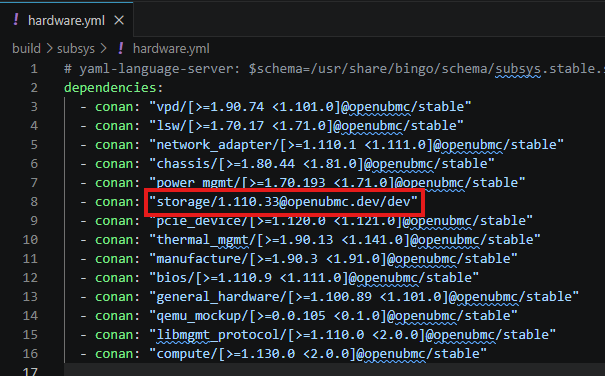
git clone https://gitcode.com/openUBMC/storage.git
bingo build

bingo build -t personal -b openUBMC -bt release --stage rc
1 个赞