yaoshun1
(yaoshun)
22
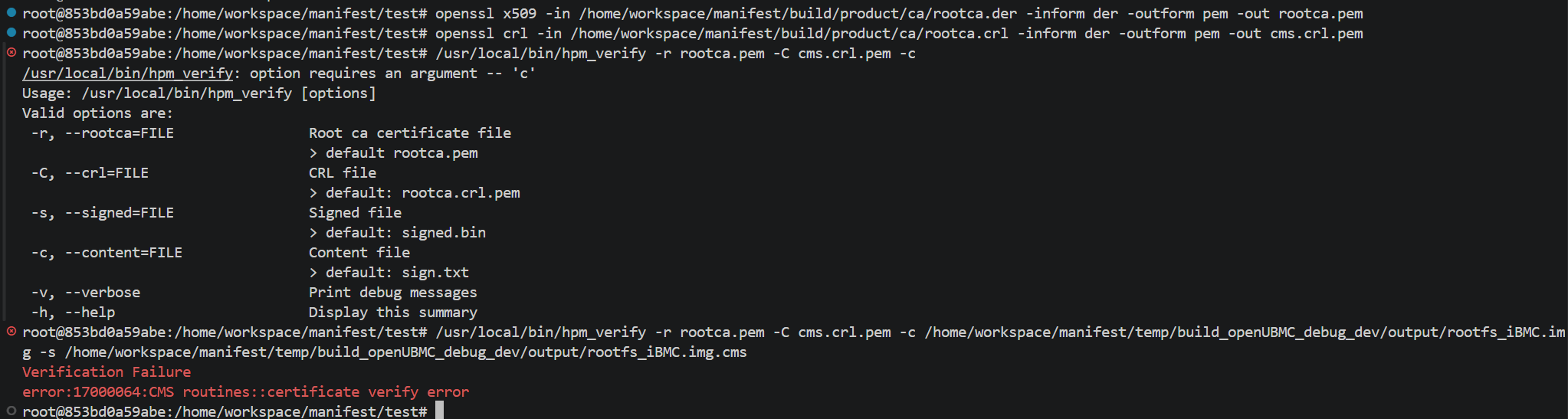
你找一个临时目录,执行如下命令:
openssl x509 -in /home/workspace/manifest/build/product/ca/rootca.der -inform der -outform pem -out rootca.pem
openssl crl -in /home/workspace/manifest/build/product/ca/rootca.crl -inform der -outform pem -out cms.crl.pem
/usr/local/bin/hpm_verify -r rootca.pem -C cms.crl.pem -c /home/workspace/manifest/temp/build_openUBMC_debug_dev/output/rootfs_iBMC.img -s /home/workspace/manifest/temp/build_openUBMC_debug_dev/output/rootfs_iBMC.img.cms
yaoshun1
(yaoshun)
24
这就证明你的证书出问题了,你原始的
/home/workspace/manifest/build/product/ca/rootca.der
/home/workspace/manifest/build/product/ca/rootca.crl 是什么文件?
过程文件中 组织名称(O)、证书名称(CN)替换成了我们公司的名字,前几天编译一直没问题,没做任何改动,今天编译就报这个错误,按照同样的方法重新生成签名文件,编译也没问题
yaoshun1
(yaoshun)
27
把你转化为pem的根证书和crl文件信息读出来,看看信息
yaoshun1
(yaoshun)
29
openssl x509 -in xxx.pem –noout -enddate
yaoshun1
(yaoshun)
33
信息现在是很明确的,就是在调用CMS验证签名证书文件失败了,你再看看你的CRL信息:
openssl crl -in xxx.pem -noout -nextupdate
yaoshun1
(yaoshun)
36
现在我有点怀疑是你们的签名证书过期了,从你给我的信息来看,你的根证书过期时间在2075年,但是你的
signer_pem: ${product}/ca/signer.pem
timestamp_signer_pem: ${product}/ca/ts_signer.pem
有可能已经过期了
yaoshun1
(yaoshun)
38
善用AI,让AI帮你验证你的 根证书+吊销列表+cms+未签名的文件,证明这条链路的合理性
感谢持续关注:
1.我们曾尝试使用查找序列号的方式验证被吊销:
结果显示没有被吊销;
2.我们尝试使用指令查看文件是否过期,rootca.pem上文也验证过,均显示没有过期
3.我们前几天能用的版本再两台电脑上部署过,当时没问题,中间没有做其他该送,现在两台均报同样的错;
4.重新生成签名文件同样的操作编译是正常的,但是由于之前产品均用这个签名,涉及到多种过度包管理,因此还是想查找真实原因。
再次感谢!
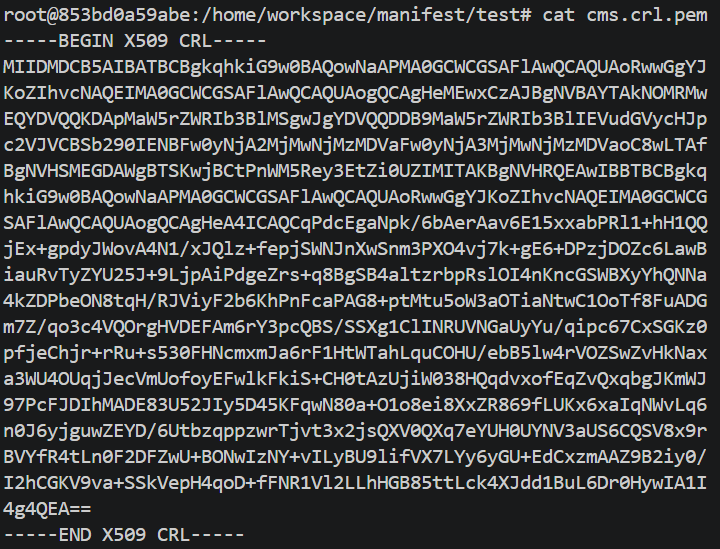
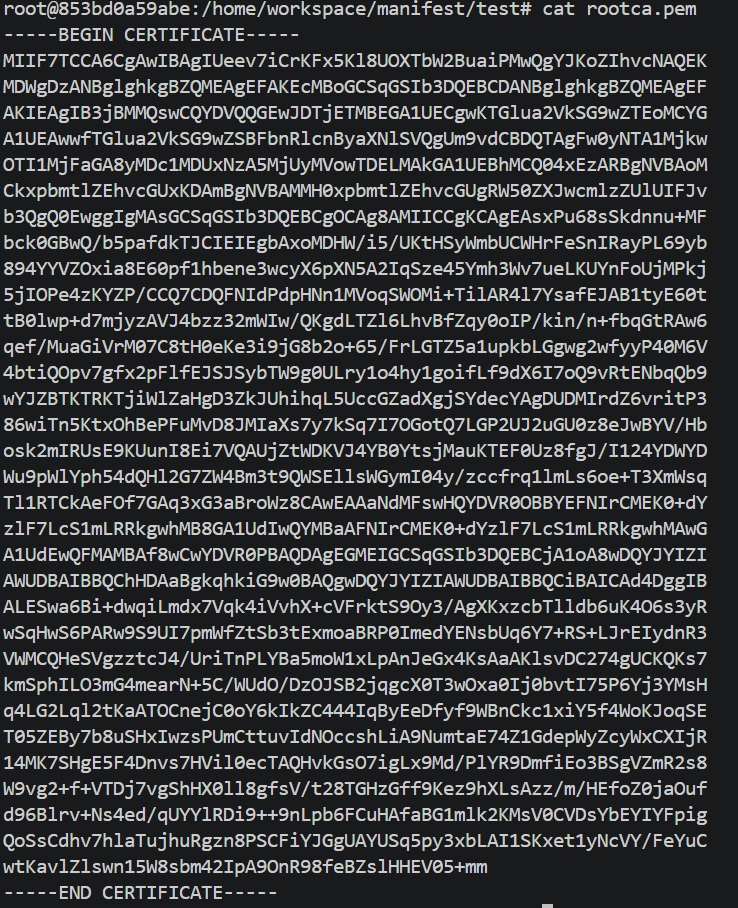


 你in的是根证书 不是crl当然不能读了

